Use Case 02: Import/Apply certs and keys
Prerequisites
This usecase assumes that a F5 BIG-IP instance, webservers and Ansible node are deployed. To deploy infrastructure in AWS users can use the F5 Ansible Provisioner
Overview of Use Case
This scenairo will configure the BIG-IP To import certificates(cert/key), create (if doesnt already exist) a Virtual IP (VIP), a Pool and ClientSSL Profile and assign it to the created VIP (Use-Case-2).
Being able to create and swap SSL Profiles on a BIG-IP to singular or multiple VIPs is extremly useful, especially in today’s world where SSL keys get leaked or hacked or expire. This automated method allows a seamless process to create and change certificates based on need/demand.
This script can be modified to work on other VIPs by editing the F5_VIP_Name section inside of the f5_vars.yaml
Use Case Setup
Login to the Ansible Host
Launching the Ansible Playbook:
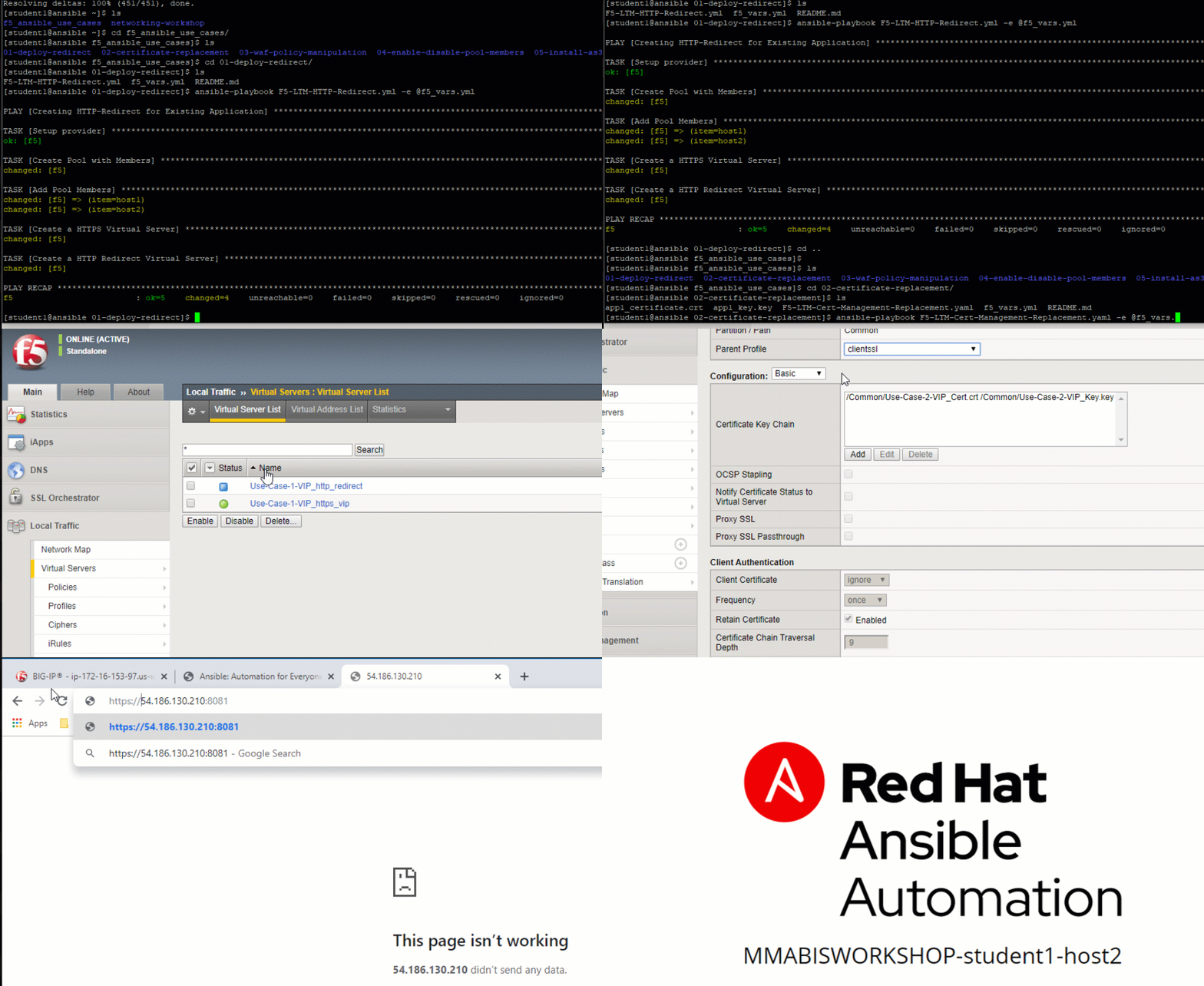
cd ~/f5_ansible_use_cases/02-certificate-replacement
ansible-playbook F5-LTM-Cert-Management-Replacement.yaml -e @f5_vars.yml
Testing and Validating
- Login to the BIG-IP
- Navigate to Local traffic->Virtual server
- View the deployed use case access VIP:port (8081)
- Access the VIP on port 8081 to view the new self-signed certificate (https://VIP:8081)
Note
The browser certificate used in this scenario is a “Self Signed” UNTRUSTED Certificate.